 Y2K & 1999Q1
What did the Compact Disc Digital Audio (CD-DA) “Red Book” specification primarily define?
 Y2K & 1999Q2
What was one major reason Y2K disruptions were less severe than many feared?
 Y2K & 1999Q3
In the context of CD-ROMs, what did the term “Yellow Book” most closely relate to?
 Y2K & 1999Q4
Which date was widely used for Y2K testing because it could reveal two-digit year handling problems before 2000 arrived?
 Y2K & 1999Q5
On many discs and players, the “Compact Disc Digital Audio” logo most directly indicates compatibility with what type of content?
 Y2K & 1999Q6
Which logo was commonly used in the late 1990s to indicate a disc followed the audio CD recordable standard?
 Y2K & 1999Q7
Which file system was most commonly associated with CD-ROM discs to enable broad cross-platform readability in the 1990s?
 Y2K & 1999Q8
What key difference separates CD-R from CD-RW media?
 Y2K & 1999Q9
In Y2K remediation, what did the strategy called “windowing” mean?
 Y2K & 1999Q10
What was the core programming issue behind the Y2K problem?
 Y2K & 1999Q11
What does the “Compact Disc” wordmark and associated logos largely represent in terms of governance?
 Y2K & 1999Q12
What was the “Y2K38” (Year 2038) problem most commonly associated with?
When Shiny Discs Met the Millennium Bug: Decoding CDs and the Y2K Mood
In 1999, the future seemed to arrive in a jewel case. Compact discs promised clean digital perfection, and the internet arrived through a chorus of modem screeches that sounded like machines negotiating a treaty. At the same time, news reports warned that a tiny date shortcut buried in old software might cause big systems to stumble at midnight. The late 90s felt like a crash course in how standards, compatibility, and hidden technical details shape everyday life.
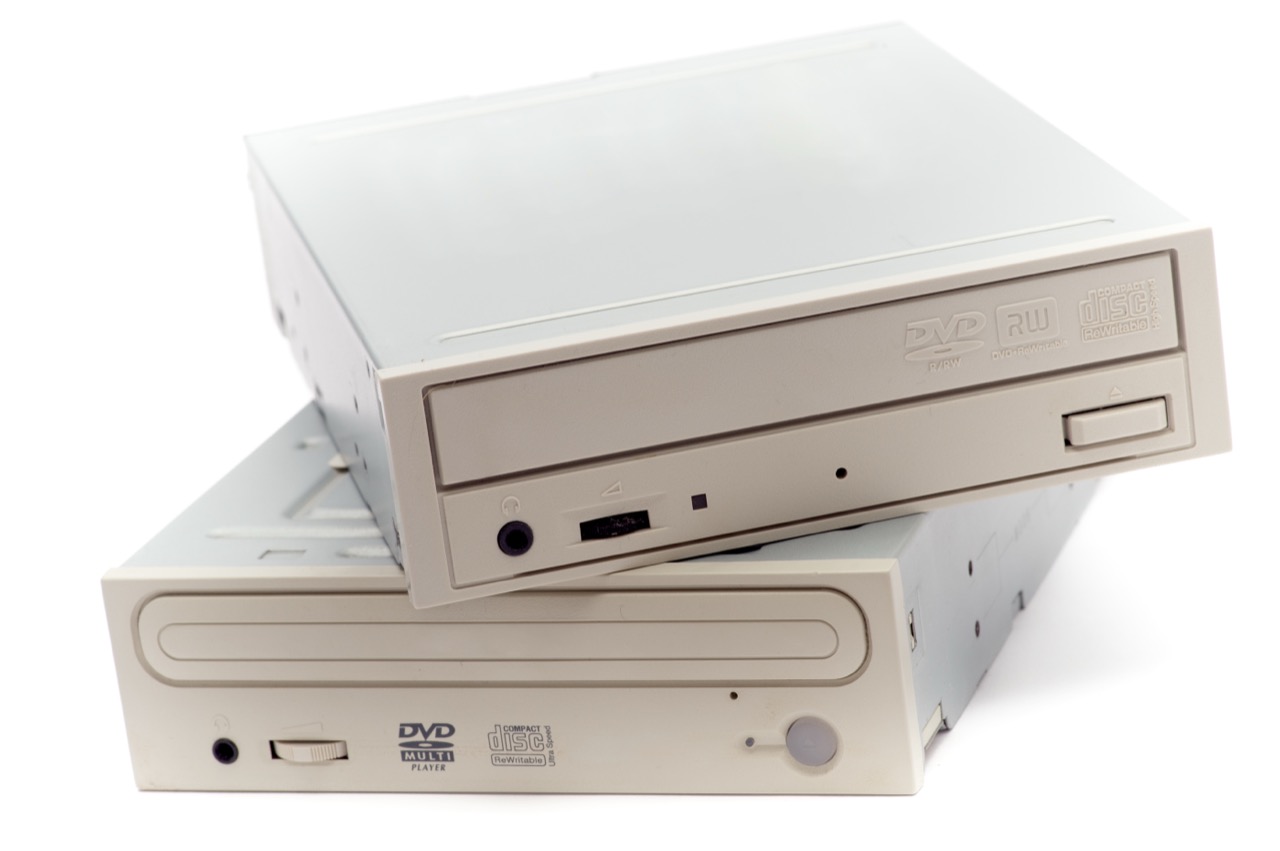
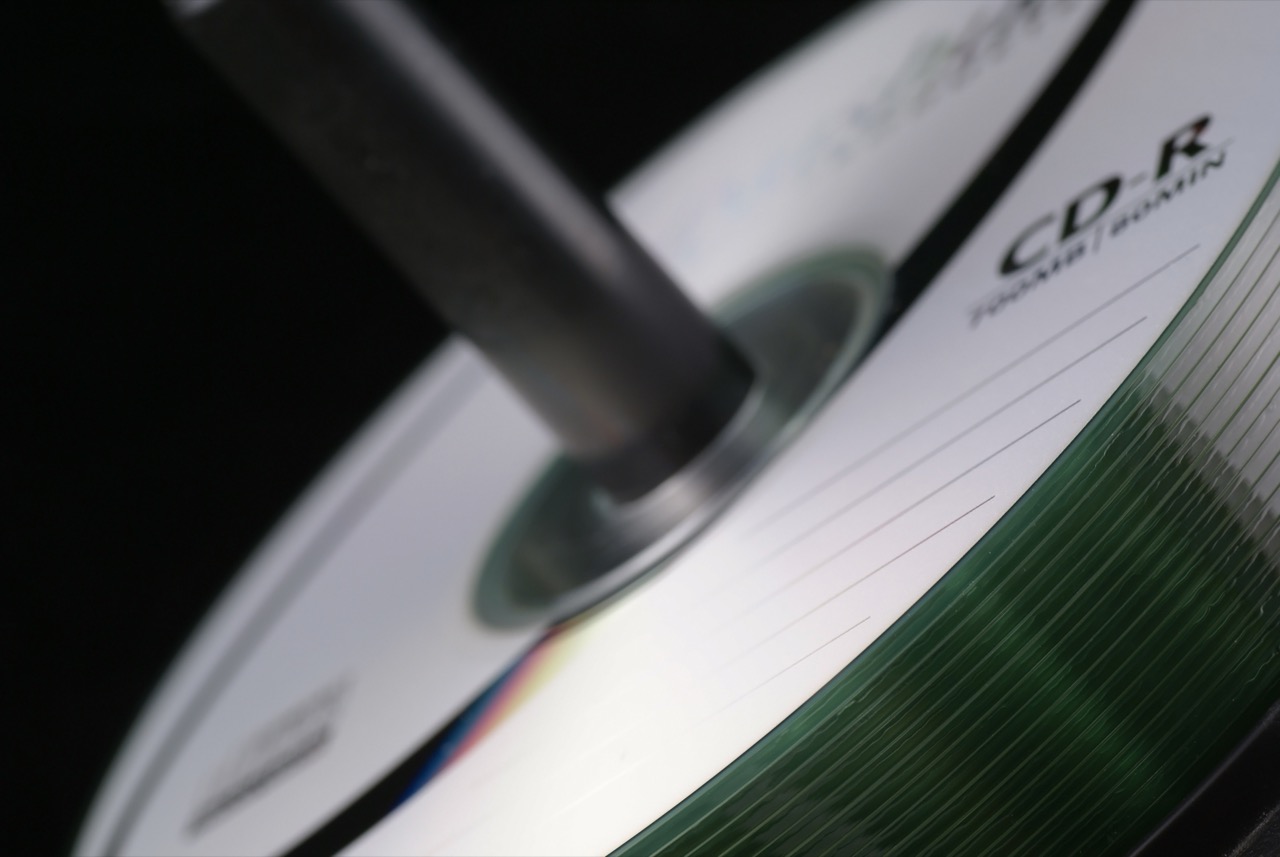
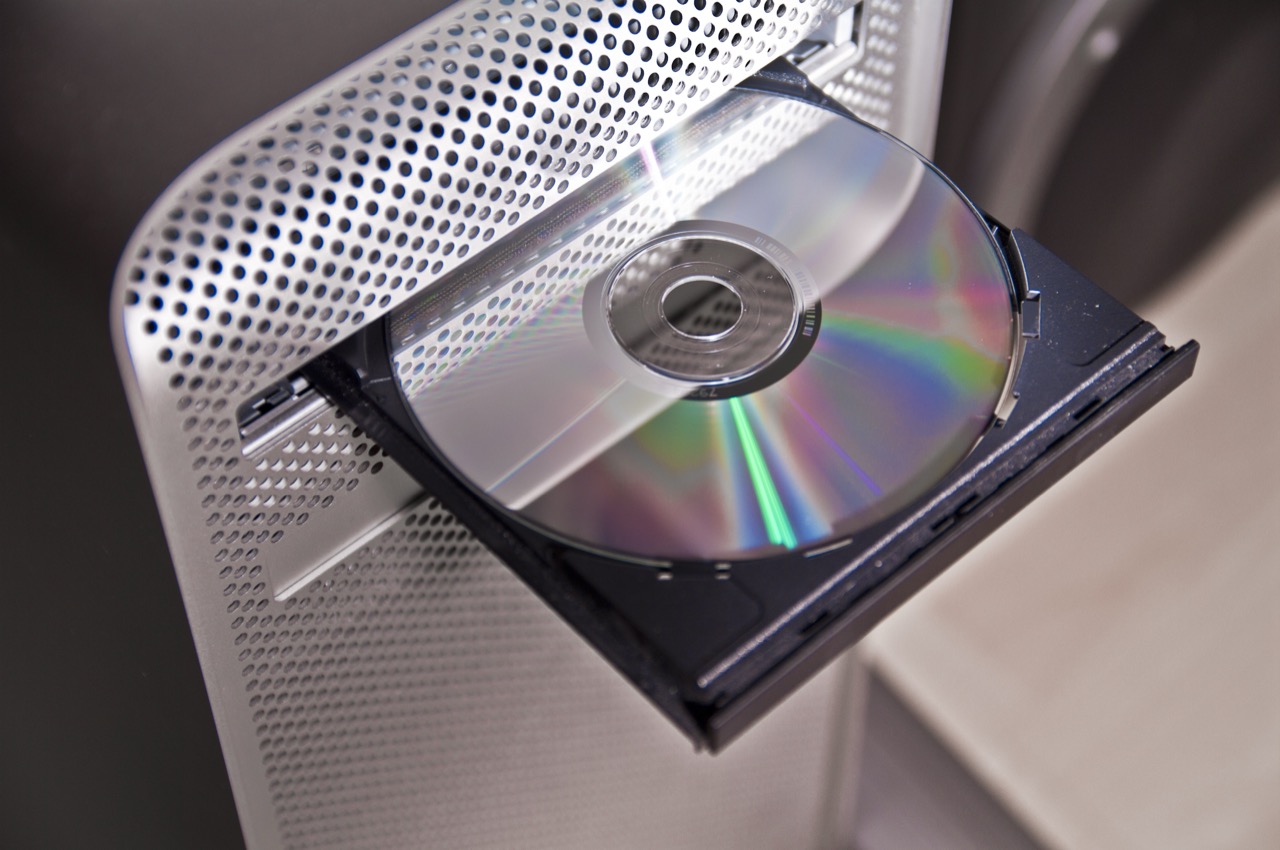
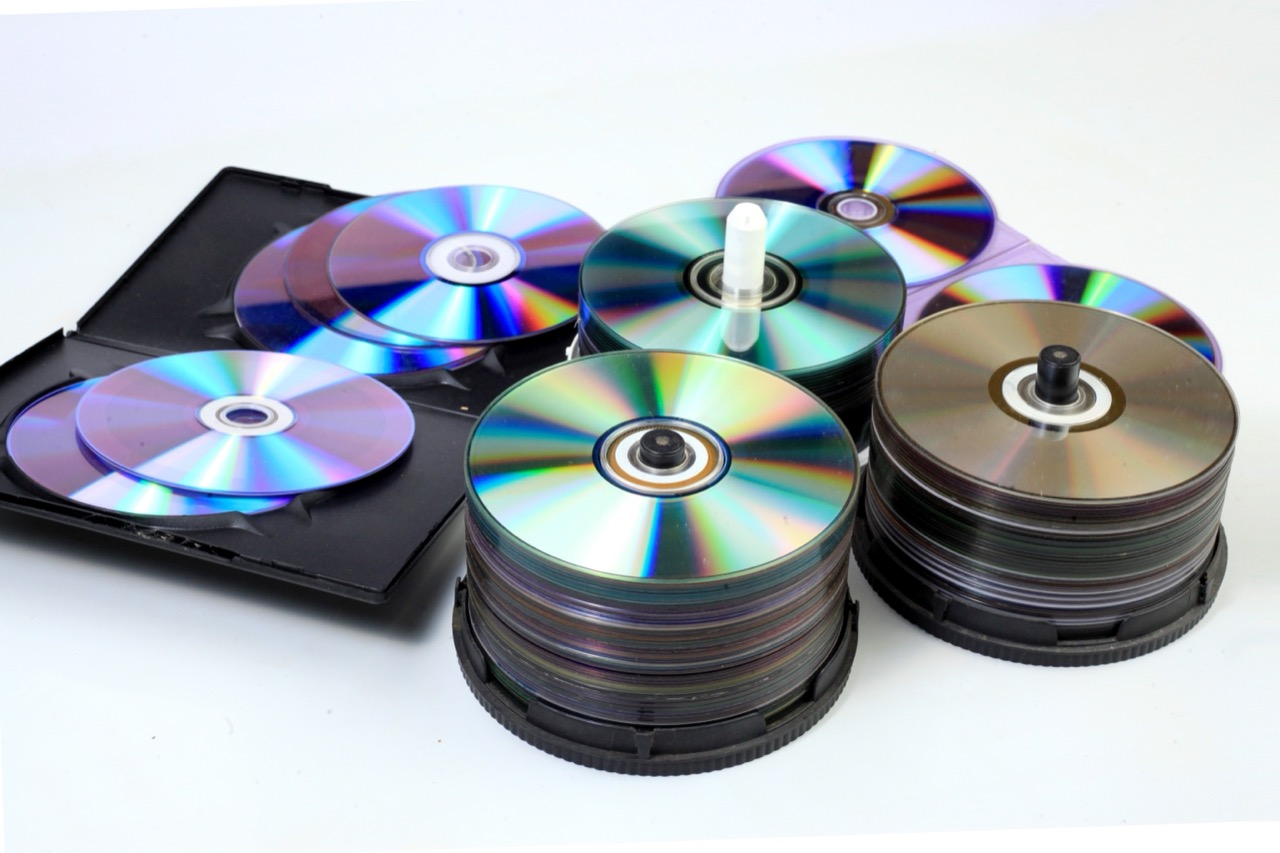
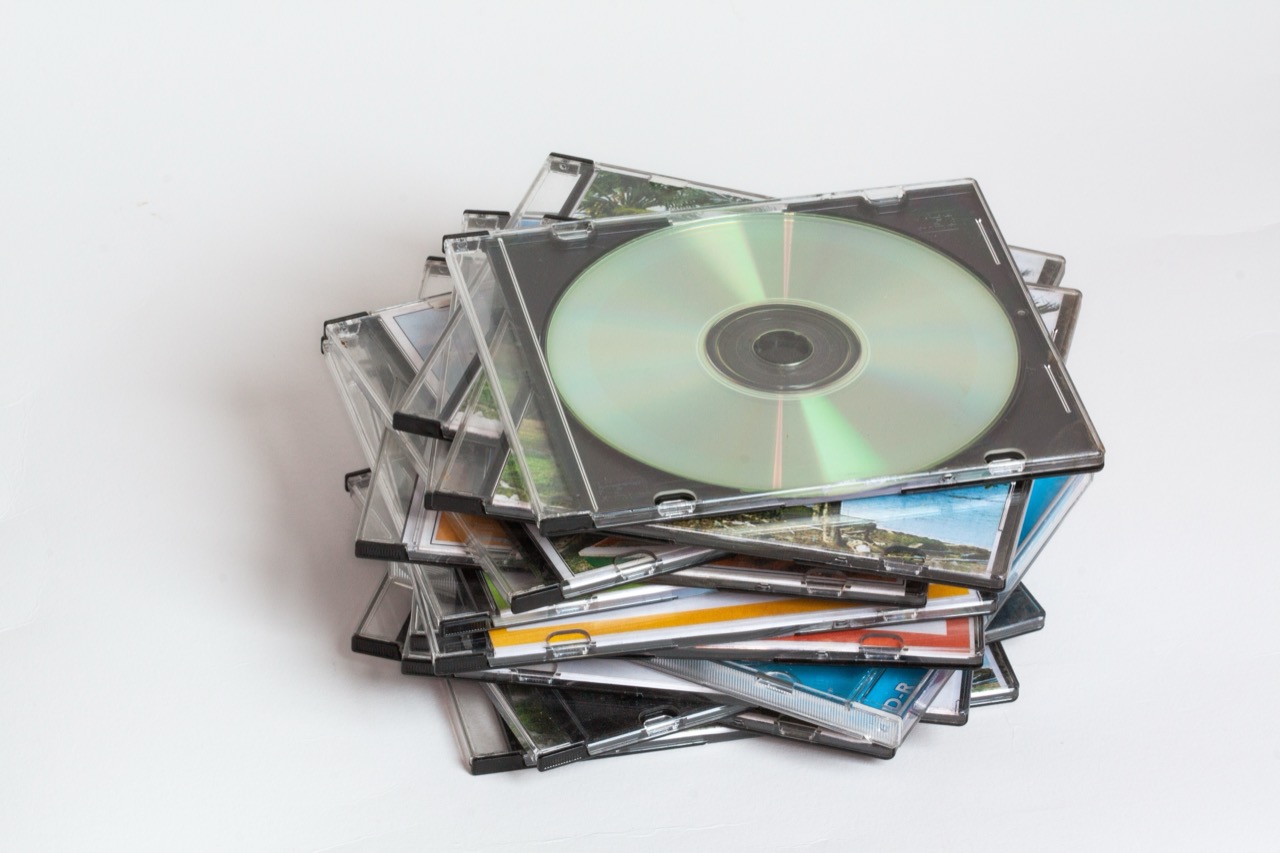
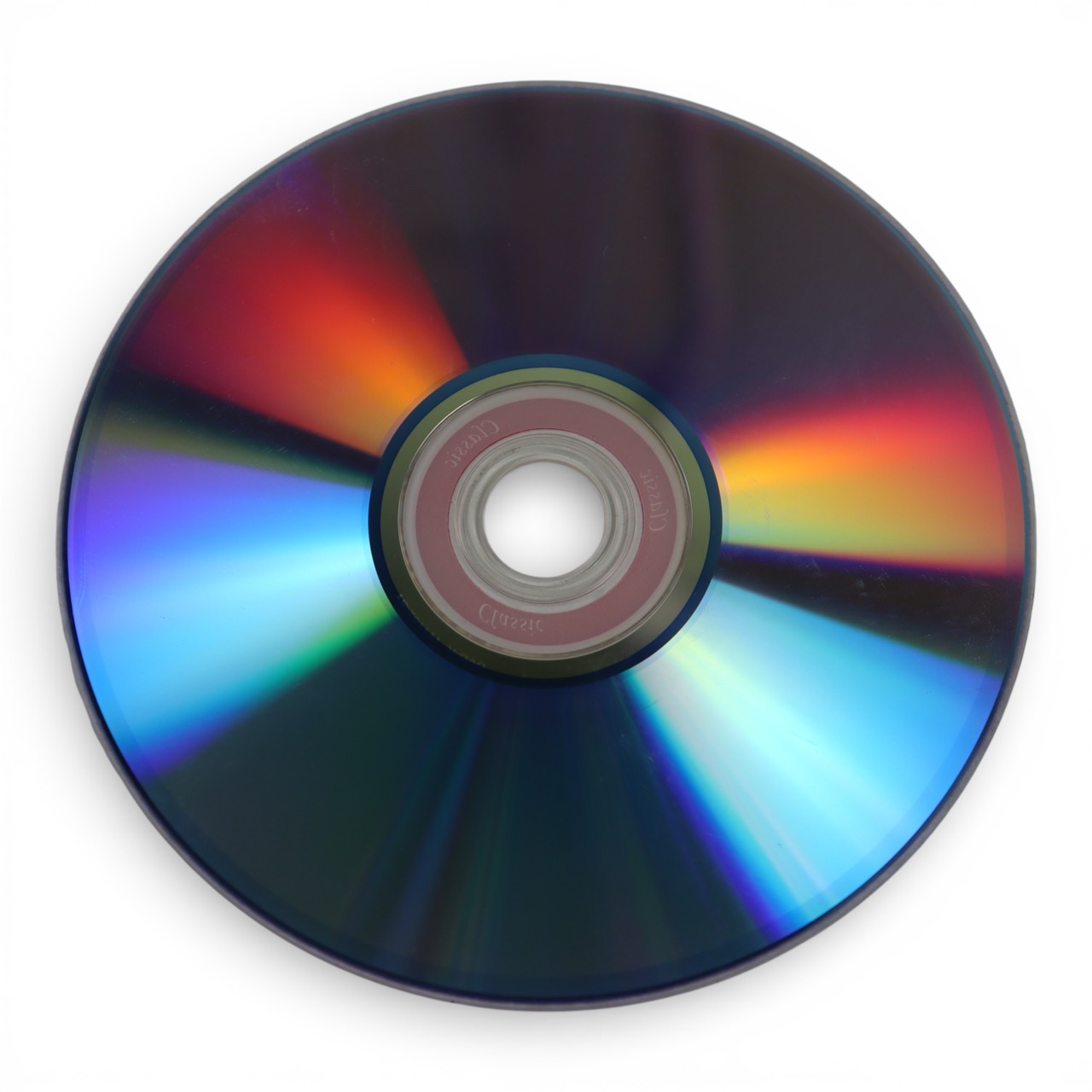
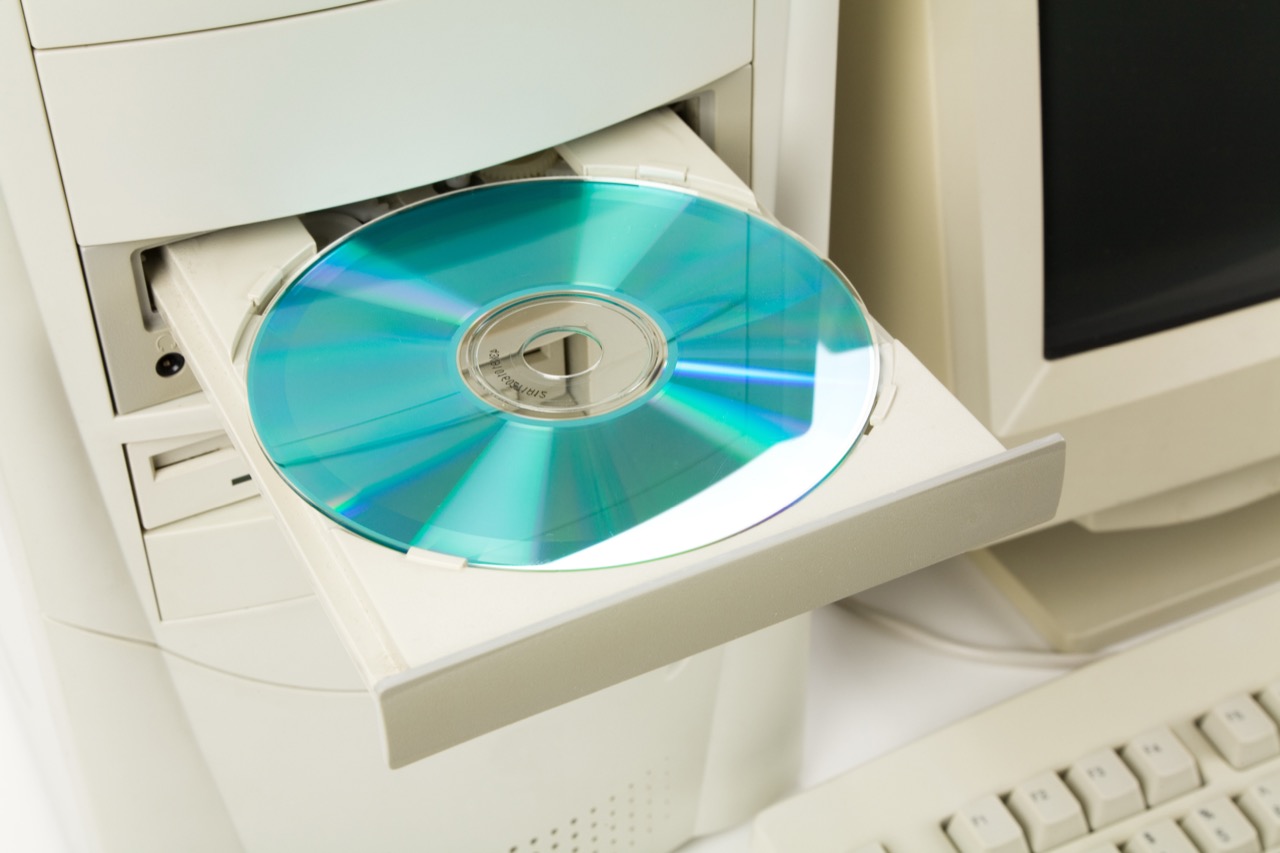
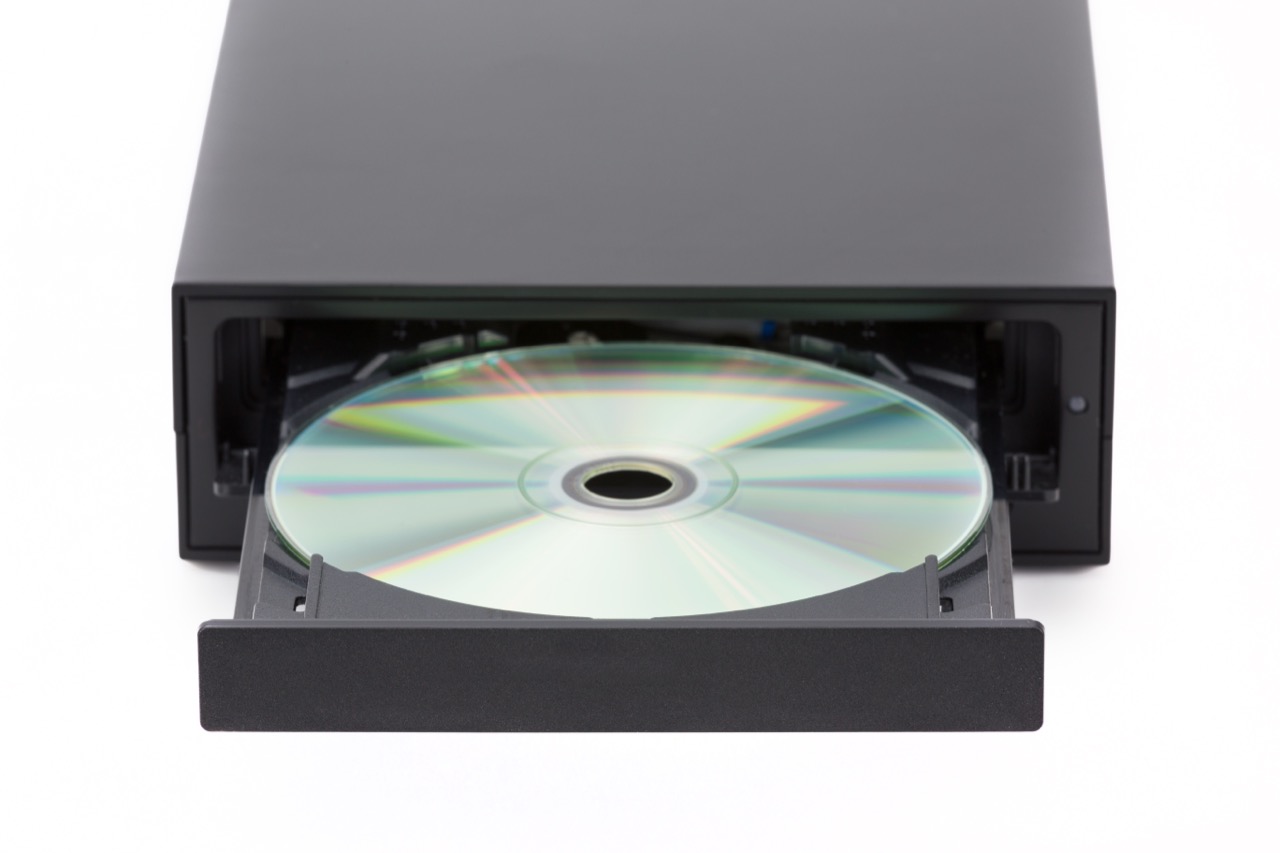
CDs looked simple, but the logos and fine print told a deeper story. A disc labeled Compact Disc Digital Audio followed the Red Book standard, which defined how music tracks were stored so a player could find them instantly. Data CDs typically followed the Yellow Book standard, and computer-readable discs often showed the ISO 9660 file system, a common way to organize files so different computers could read the same disc. If you saw CD-ROM, it meant read-only memory: the disc was pressed at a factory and could not be changed. CD-R and CD-RW were different. CD-R could be written once by a burner, while CD-RW used a phase-change material that allowed rewriting. Even then, compatibility was not guaranteed. Some older audio players struggled with recordable discs because CD-R dyes reflected laser light differently than pressed discs, and early players were tuned for the reflectivity of factory media.
Those small symbols about speed and format mattered. A drive advertised as 24x referred to a multiple of the original CD data rate, and the real-world experience depended on buffering, error correction, and the quality of the disc. Buffer underruns were a classic problem: if a computer could not feed data to the burner quickly enough, the write process could fail, creating a coaster. Burn-proof style technologies later helped by pausing and resuming the write, but in 1999 many people learned to close every program and hope the phone would not ring.
Regional and device-specific quirks also shaped what played where. Video CDs and early DVD players sometimes supported particular disc types and ignored others, and game consoles could be picky about disc structure and copy protection. Multi-session discs, which allowed adding files over time, might confuse older readers. Even the way a disc was finalized mattered, because some players needed a complete table of contents written at the end.
Behind the scenes, standards groups tried to keep the ecosystem coherent. The original color book standards were coordinated by major electronics companies, and later groups such as the Optical Storage Technology Association promoted labels and guidelines so consumers could tell what they were buying. Yet the market moved fast, and real compatibility was often a negotiation between a disc, a drive, firmware, and software drivers. Firmware updates became a normal part of ownership, a preview of the update culture that would soon define smartphones and modern PCs.
Then came Y2K, the other late 90s obsession. The core problem was simple: to save memory and storage, many older systems stored years as two digits. That shortcut turned 1999 into 99, but it turned 2000 into 00, which some software treated as 1900. The risk was not just wrong dates on a screen. Dates drive interest calculations, expiration checks, scheduling, sorting, and safety systems. A loan might compute negative interest, a maintenance system might think an inspection was a century overdue, or a batch job might run in the wrong order.
Remediation took several forms. Some organizations expanded years to four digits, while others used windowing, interpreting 00 to 49 as 2000 to 2049 and 50 to 99 as 1950 to 1999. Companies tested critical systems by advancing clocks in controlled environments, and they audited everything from mainframe code to embedded chips in building systems. Governments issued guidance, industries shared checklists, and many businesses created contingency plans that sounded dramatic but were often practical: extra staffing, manual procedures, and backup communications.
When midnight arrived, the world did not go dark, but that was not proof the worry was silly. Many failures were prevented by years of work, and some glitches did occur, such as misdated documents, minor billing issues, and oddities in small devices. The bigger lesson from both CDs and Y2K is the same: technology is an ecosystem. Tiny technical choices like a disc dye, a file system, or two digits instead of four can ripple outward, and standards plus careful testing are what turn a fragile innovation into something people can trust at home, at work, and at the stroke of a new millennium.